- Home Page /
- Electronics /
- Computers, Laptops and Tablets /
- Computer Software for Home & Office /
- Photo, Video & Music Editing Software /
- ClearClick VHS to DVD Wizard Software with US...
0 ratings

Item #:
13425973
ClearClick VHS to DVD Wizard Software with USB Video Capture Device (DVD)
Item #:
13425973
JOD 39
Price Details
Excluding Shipping & Custom charges ( Shipping and custom charges will be calculated on checkout )
*All items will import from US
0 ratings
Write a review
In stock
 Imported from USA store
QTY:
Only 12 items left in stock.
Order now and get it around Wednesday, July 01
Secured transaction
Ubuy works hard to protect your security and privacy. Our advanced payment security system ensures confidentiality by encrypting your information during transmission using AES (Advanced Encryption Standards) and SSL (Secure Socket Layer) protocols. Your payment details are 100% secure as we do not share your payment details with third party sellers.
Our Top Logistics Partners


Turn your old video tapes into DVD or digital video file!

Fast
Shipping

Free
Return*

Secure Packaging

100% Original Products

PCI DSS Compliance

ISO 27001 Certified


Note: Step Down Voltage Transformer required for using electronics products of US store (110-120). Recommended power converters Buy Now.


What Stands Out
User-Friendly Interface
ClearClick's software offers an intuitive interface, enabling users to easily transfer and edit VHS videos without technical expertise, making it accessible for all ages.
High-Quality Conversion
This product ensures high-quality video capture, preserving the original clarity of your tapes during the conversion to DVD, providing a lasting legacy of your cherished memories.
All-in-One Package
Includes a USB video capture device, streamlining the conversion process by providing everything you need in one purchase, enhancing value and convenience for users looking to digitize their videos.
Product Details
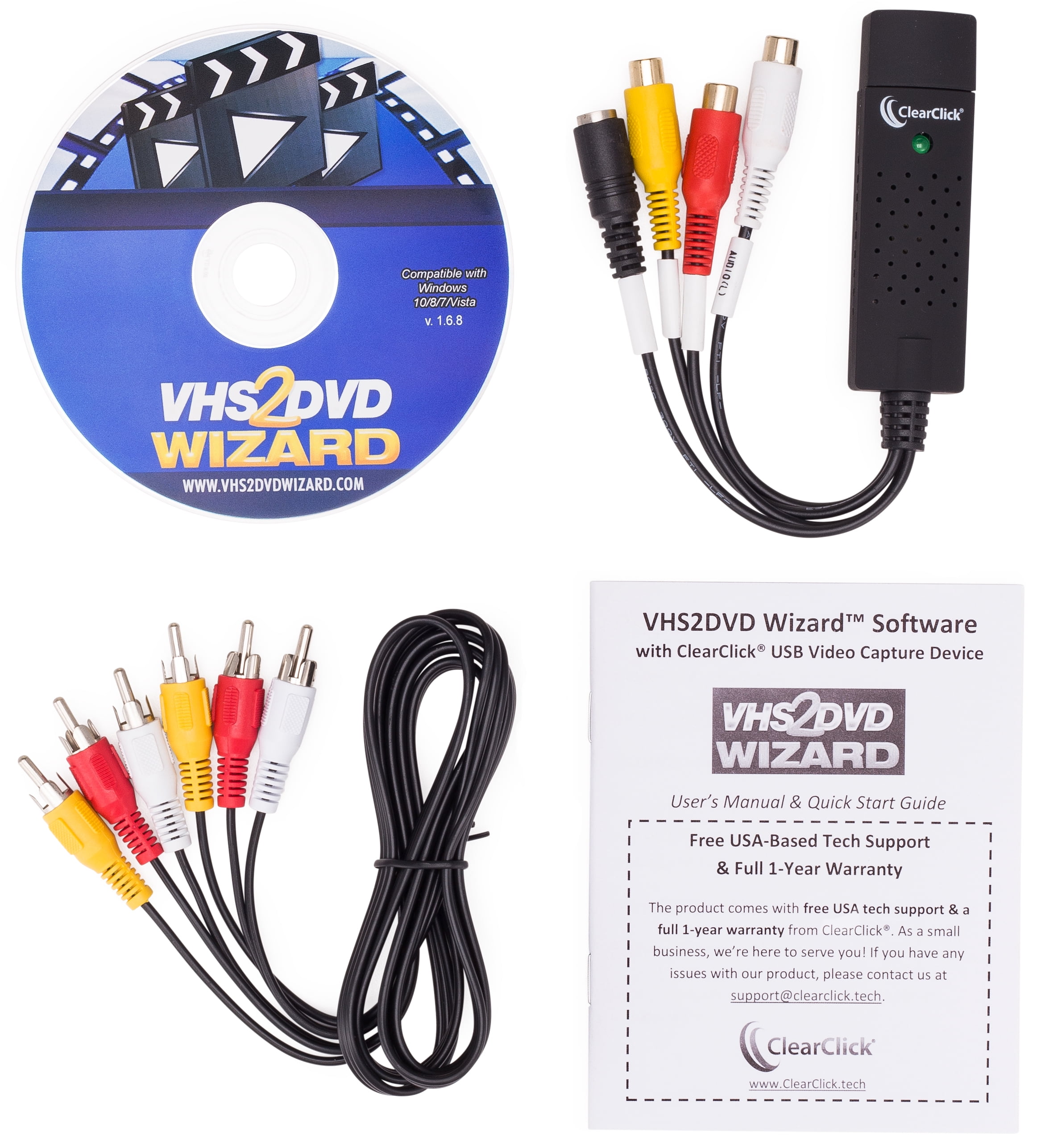
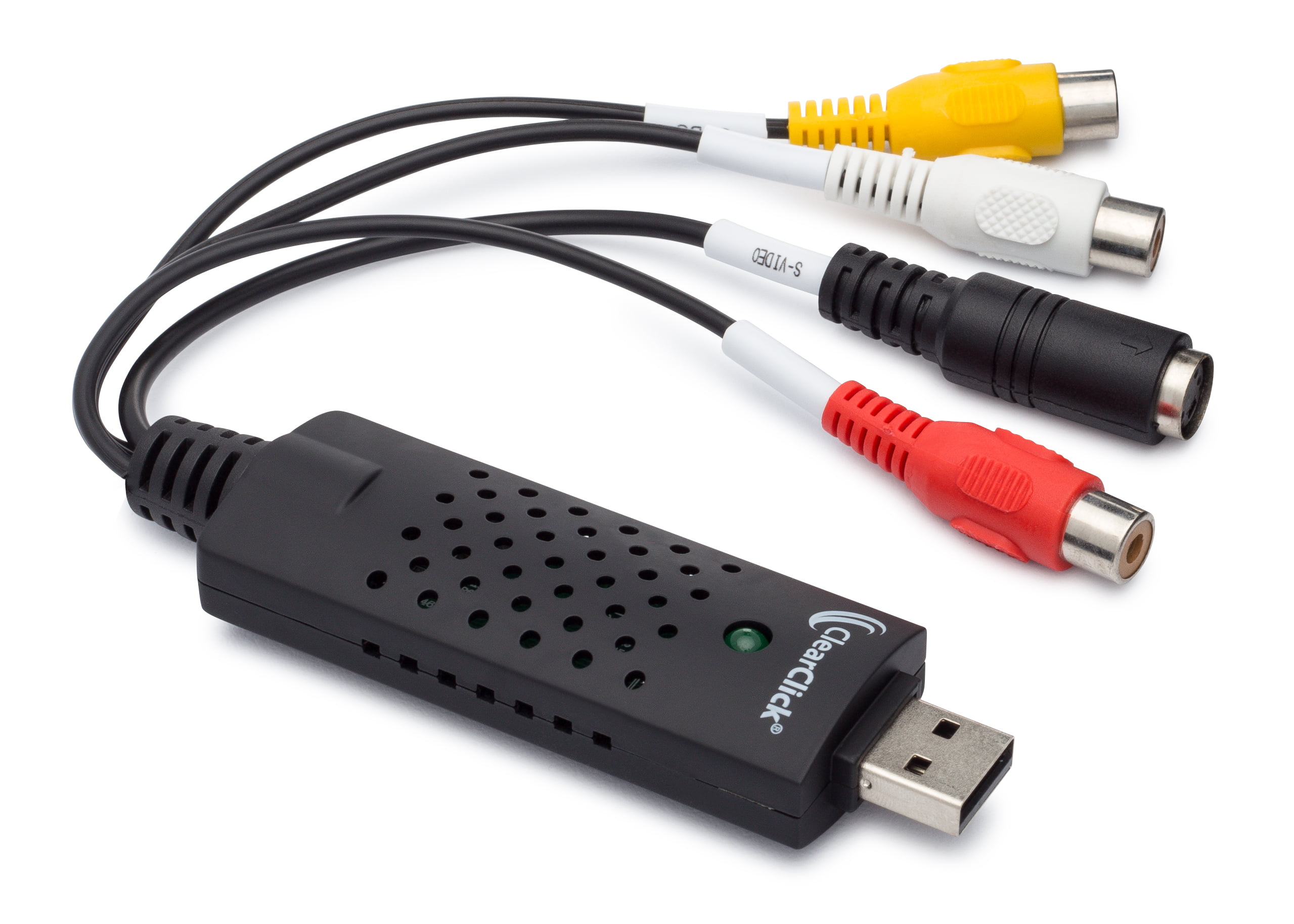
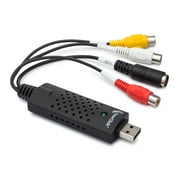
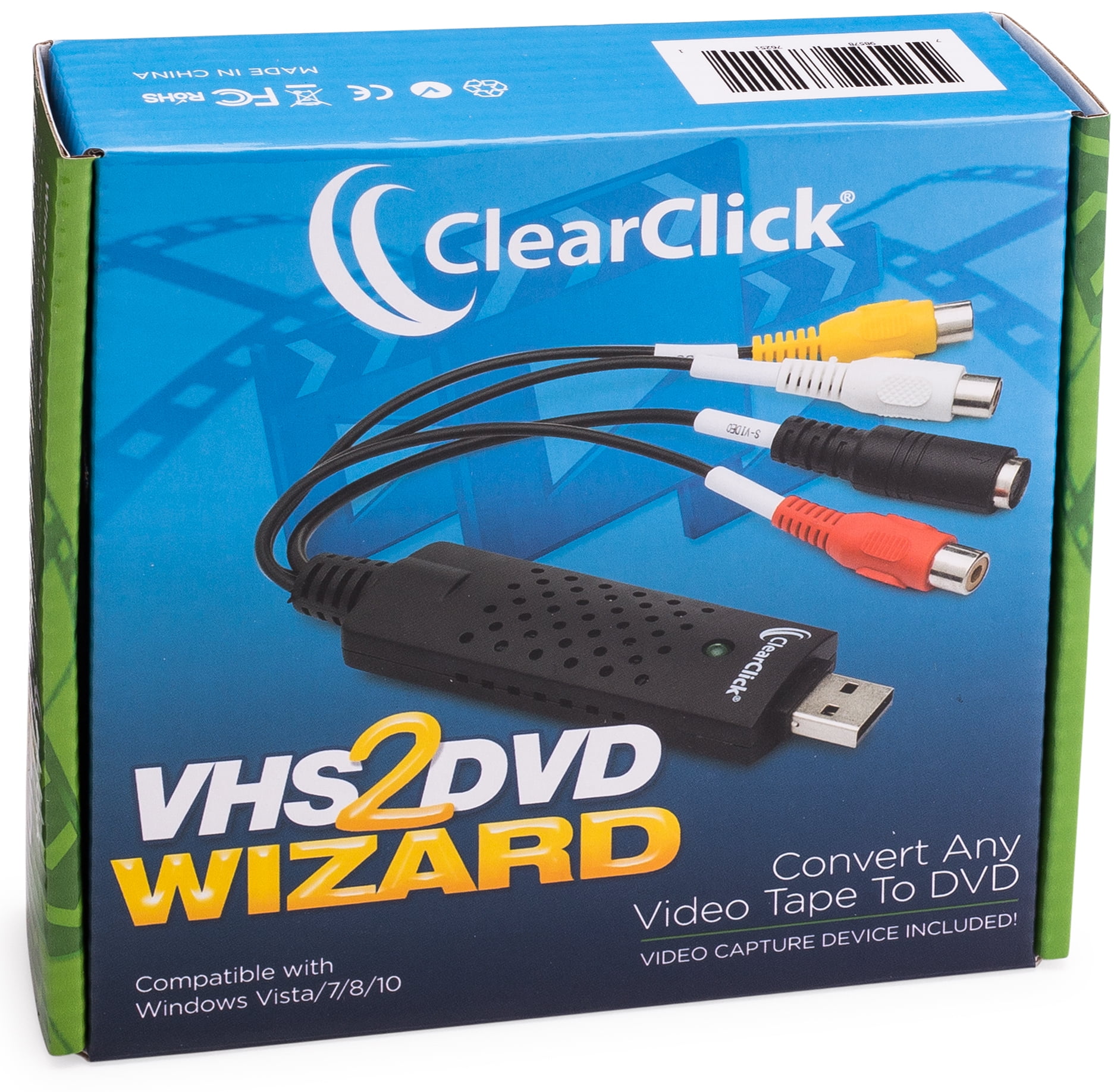
- Got a box of old video tapes in your closet or basement? Turn them into DVD or digital video file!The VHS To DVD Wizard software from ClearClick makes this easy by providing you with a step-by-step, wizard software format. Plus, there's a simple user's manual (included in digital PDF format on the CD) that you can actually understand, because it's written in everyday language! Here's how this conversion system works.Step #1: Install the ClearClick VHS To DVD Wizard Software.Just insert the software CD to install the VHS To DVD Wizard and associated driver files.Step #2: Plug in the ClearClick USB Video Grabber.Plug in the included ClearClick USB Video Grabber into your PC. Your computer will install it automatically.Step #3: Connect Your VCR.Connect your VCR to your USB video grabber with an RCA audio/video cable, and start playing a VHS tape in your VCR. Note: a VCR and RCA audio/video cable are not included.Step #4: Capture Your Video.Click Capture in the software and your video will start transferring to your computer! You can either capture your video to a digital video file on your computer so that you can edit it, or you can burn your video directly to DVD as you capture it.Step #5: Edit and Burn Your Video To DVD.After optionally editing your video with the software to remove unwanted portions, simply burn it to DVD with the Create DVD section. You're done!Finally, as a ClearClick customer, you get access to top-quality, USA-based technical support. Unlike other companies with outsourced tech support or support you have to pay for, ClearClick's top-notch tech support is free and USA-based.SYSTEM REQUIREMENTS:Windows 10/8/7/Vista2.0 GHz Dual Core processor or better recommended2-4 GB RAM or higherDVD burner & Blank DVD-R discs15 GB or more of free hard disk spaceVCR video tape player or camcorder (to play your tapes)
| Computer Software Type | Image, Video & Audio Software |
| Operating System | Windows |
| Brand | ClearClick |
| Number of Users | 1 |
| Delivery Method | Ship to Home |
| Physical Media Format | DVD |
| Version | 1.6.8 |
| Model | VHS2DVD168 |
| Manufacturer | ClearClick |
| Has Written Warranty | No |
| Item Weight | 1.5 lbs (680 grams) |
Who Should Buy?

-
Home Movie Enthusiasts
Ideal for users wanting to preserve old VHS tapes into digital formats for easier viewing and storage.
-
Archival Professionals
Great for those needing a reliable solution for digitizing archival footage for personal or professional use.
-
Family Historians
Perfect for families wanting to digitize treasured memories and share them easily with relatives.

-
Tech-Savvy Users
Advanced users may find limited features and capabilities compared to more sophisticated video editing solutions.
-
Budget-Conscious Shoppers
Not ideal for those seeking free alternatives or lower-cost methods to convert VHS tapes to digital formats.
-
High-Quality Demands
Users requiring professional video quality might find the output resolution inadequate for their needs.
Product Description
Have any Query? Chat with us
Customer Questions & Answers
-
Question:
What software is included in the package?
Answer: The package includes the VHS2DVD Wizard software. -
Question:
Does the package include the necessary cables?
Answer: Yes, the package includes an RCA video cable for connecting the VCR to the USB video grabber. -
Question:
What is the recommended system requirements for using the software?
Answer: The recommended system requirements are a Windows 10/8/7/Vista OS, 2.0 GHz Dual Core processor, 2-4 GB RAM, DVD burner and blank DVD-R discs, and 15 GB or more of free hard disk space.
ClearClick Photo, Video & Music Editing Software Editorial Review
The ClearClick VHS to DVD Wizard Software with USB Video Capture Device is an excellent product for those who wish to preserve their precious VHS tapes onto DVDs. The software is easy to use and provides several options to adjust the size versus quality in many formats. The editing portion allows adjusting the volume and cutting out unwanted pieces of video, and the program allows setting recording times. Customer support is fantastic, with quick response times and helpful solutions. Though some users have experienced technical difficulties with the software, the company's customer support was able to circumvent those issues and offer continual support throughout the process. Overall, the product works as advertised, and the company provides reliable customer service that aids those unfamiliar with the software's features.
Customer Reviews & Ratings
1 customers ratings
-
5 Star
100%
-
4 Star
0%
-
3 Star
0%
-
2 Star
0%
-
1 Star
0%
Review this product
Share your thoughts with other customers
Pros
- Straightforward to use
- Multiple options resolution and format for capturing
Product Price History
Important information
- Limitations : For products shipped internationally, please note that any manufacturer warranty may not be valid; manufacturer service options may not be available; product manuals, instructions, and safety warnings may not be in destination country languages; the products (and accompanying materials) may not be designed in accordance with destination country standards, specifications, and labeling requirements; and the products may not conform to destination country voltage and other electrical standards (requiring use of an adapter or converter if appropriate). The recipient is responsible for assuring that the product can be lawfully imported to the destination country. When ordering from Ubuy or its affiliates, the recipient is the importer of record and must comply with all laws and regulations of the destination country.
- Not all the products listed on Ubuy are for sale, as Ubuy is a global search engine. Products are subject to export/trade regulations.
JOD 39
Order now and get it around Wednesday, July 01
This item is not restrict in my country.(Please click on above link if this item is not restrict in your country, So our team will review and allow.)
QTY:
Only 12 items left in stock.
Secured transaction
Ubuy works hard to protect your security and privacy. Our advanced payment security system ensures confidentiality by encrypting your information during transmission using AES (Advanced Encryption Standards) and SSL (Secure Socket Layer) protocols. Your payment details are 100% secure as we do not share your payment details with third party sellers.
Our Top Logistics Partners
Fastest cross-border delivery
Features & Benefits
- Convert any video tape (VHS) to DVD or digital video file
- Step-by-step wizard software format
- Includes USB video capture device and RCA video cable
- Edit and remove unwanted sections from transferred video
- Transfer video tapes directly to DVD with Direct2DVD(TM) feature
- Free USA-based tech support from ClearClick